
Install guide · Caption & Hook Writer
Install it in a few minutes.
Pick where you use AI:
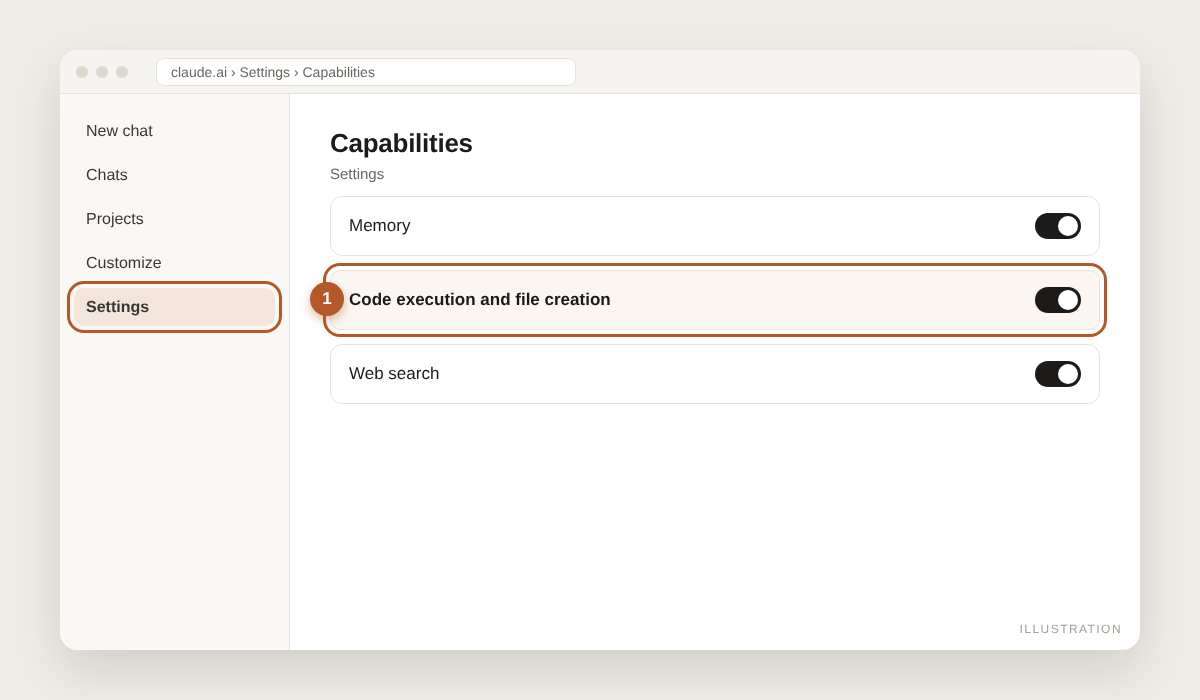
1. Turn on code execution
Open Claude in your browser or the desktop app. Go to Settings → Capabilities and switch on "Code execution and file creation". Skills need it to run. (Team or Enterprise plan? Your admin turns on Skills in Organization settings.)
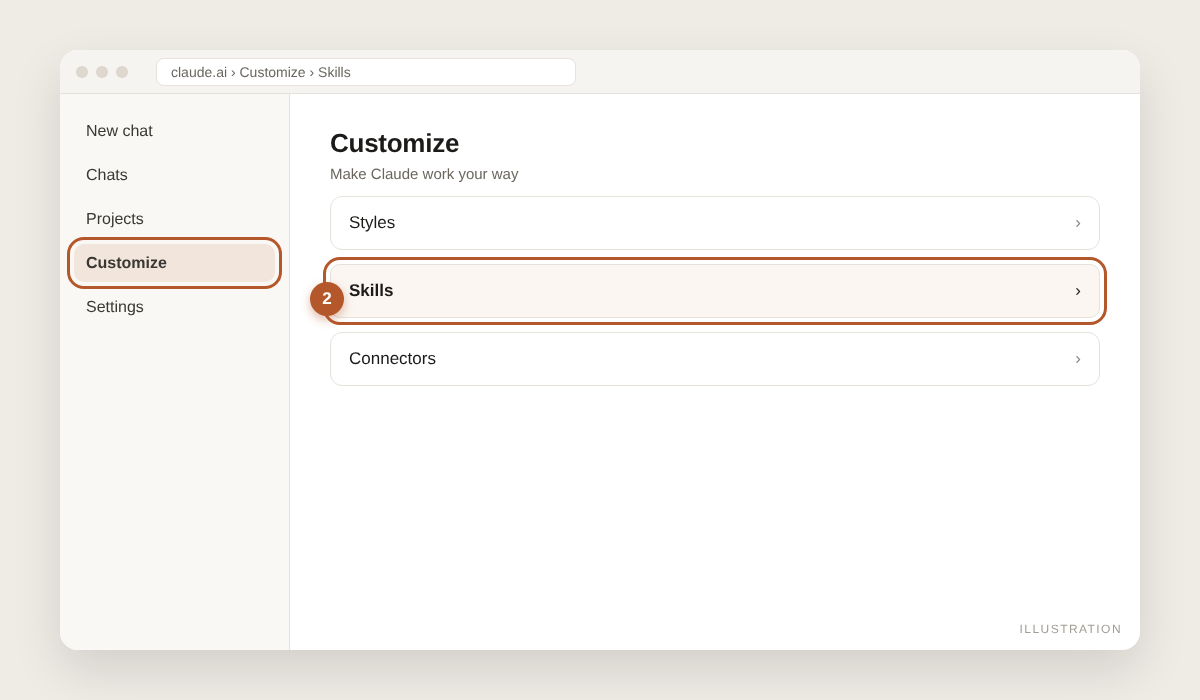
2. Open Skills
In the left sidebar, open Customize → Skills.
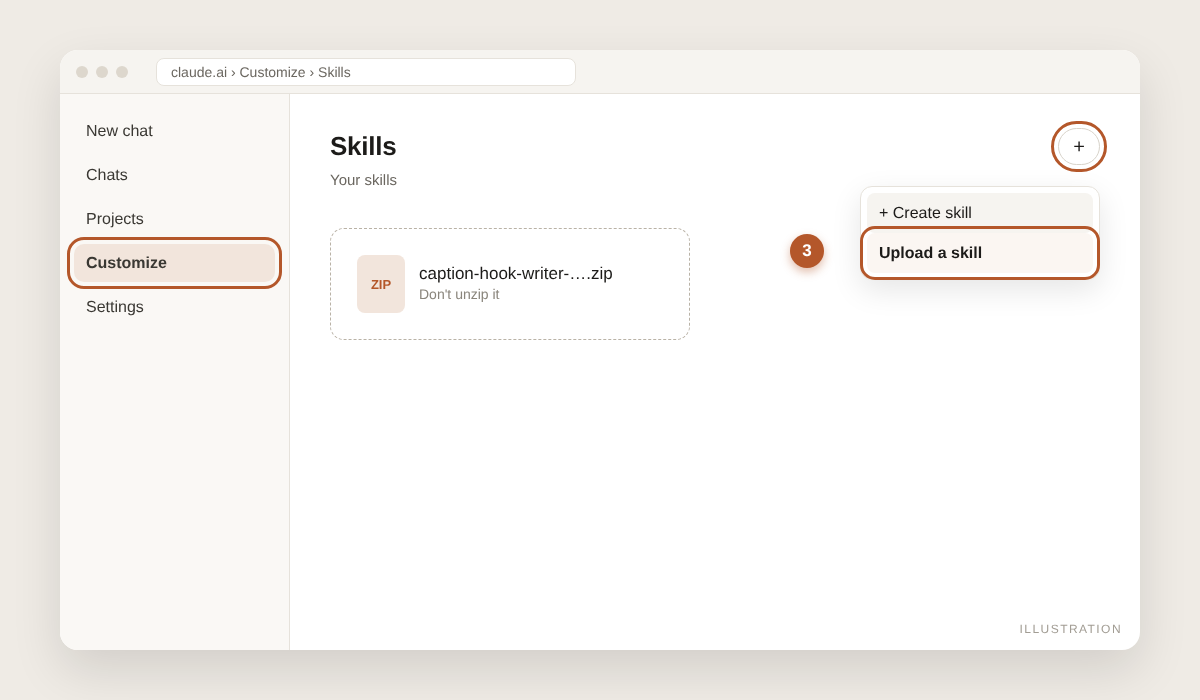
3. Upload the zip
Click "+", then "Create skill", then "Upload a skill". Choose the .zip you downloaded. Do not unzip it first.
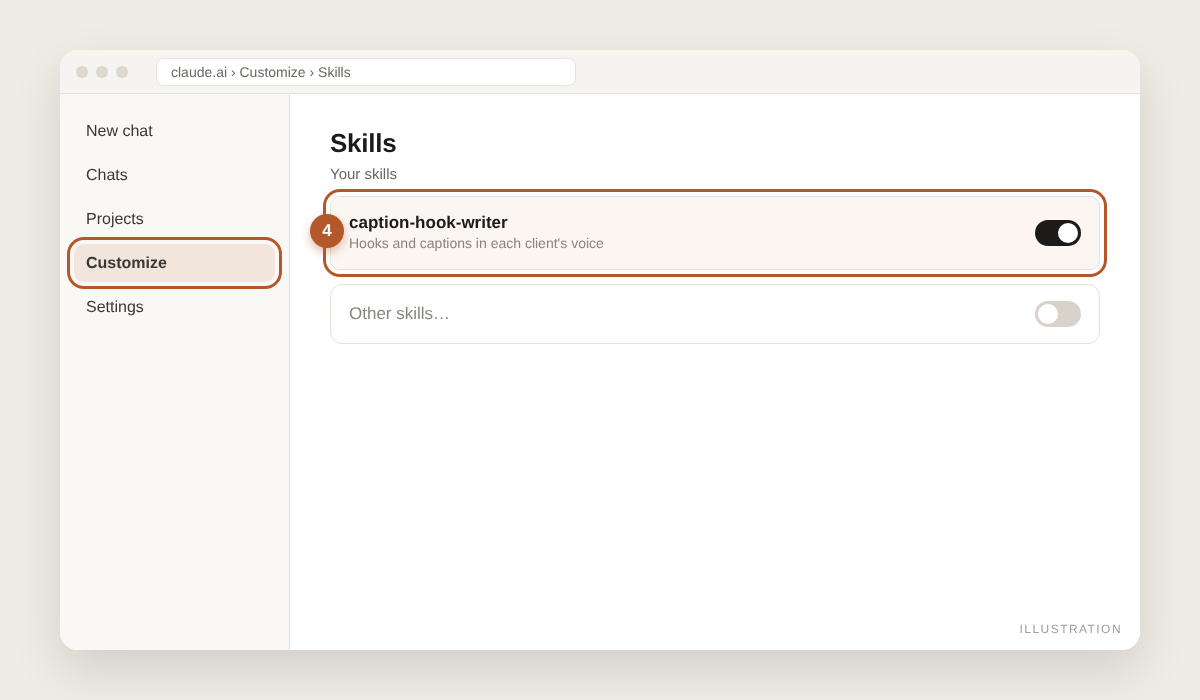
4. Switch it on
The skill appears in your list as "caption-hook-writer". Make sure its toggle is on.
5. Use it
Start a new chat and type: "Build a brand voice card for my client". Claude picks up the skill by itself.
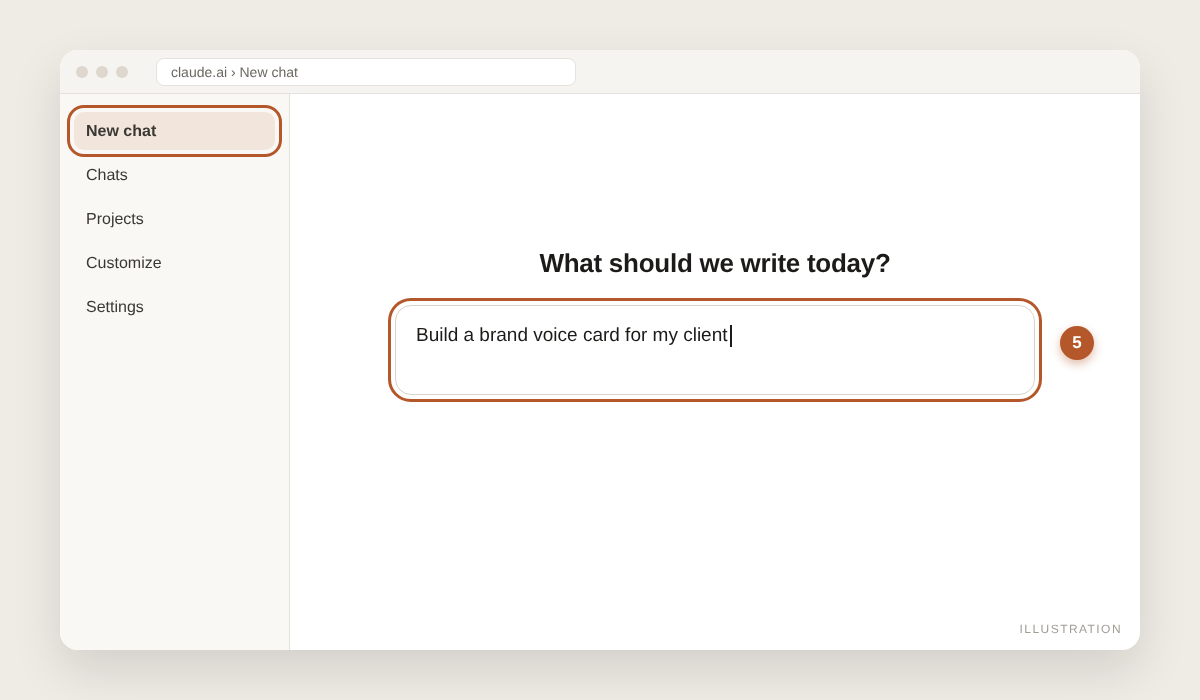
Pictures show where to click; menu names can change slightly as the apps update. Stuck? Reply to the email we sent you, or contact us.