
Install guide · Caption & Hook Writer
Install it in a few minutes.
Pick where you use AI:
Claude app (web or desktop)Most people. You chat with Claude at claude.ai or in the desktop app.Claude CodeYou use Claude in the terminal or in VS Code.OpenAI CodexYou use OpenAI's Codex app, CLI or IDE extension.
1. Unzip into your skills folder
Open a terminal and run the line for your computer. It unzips the skill into ~/.claude/skills/caption-hook-writer.
Mac / Linux
mkdir -p ~/.claude/skills && unzip -o ~/Downloads/caption-hook-writer-*.zip -d ~/.claude/skills/Windows (PowerShell)
Expand-Archive "$HOME\Downloads\caption-hook-writer-*.zip" -DestinationPath "$HOME\.claude\skills" -Force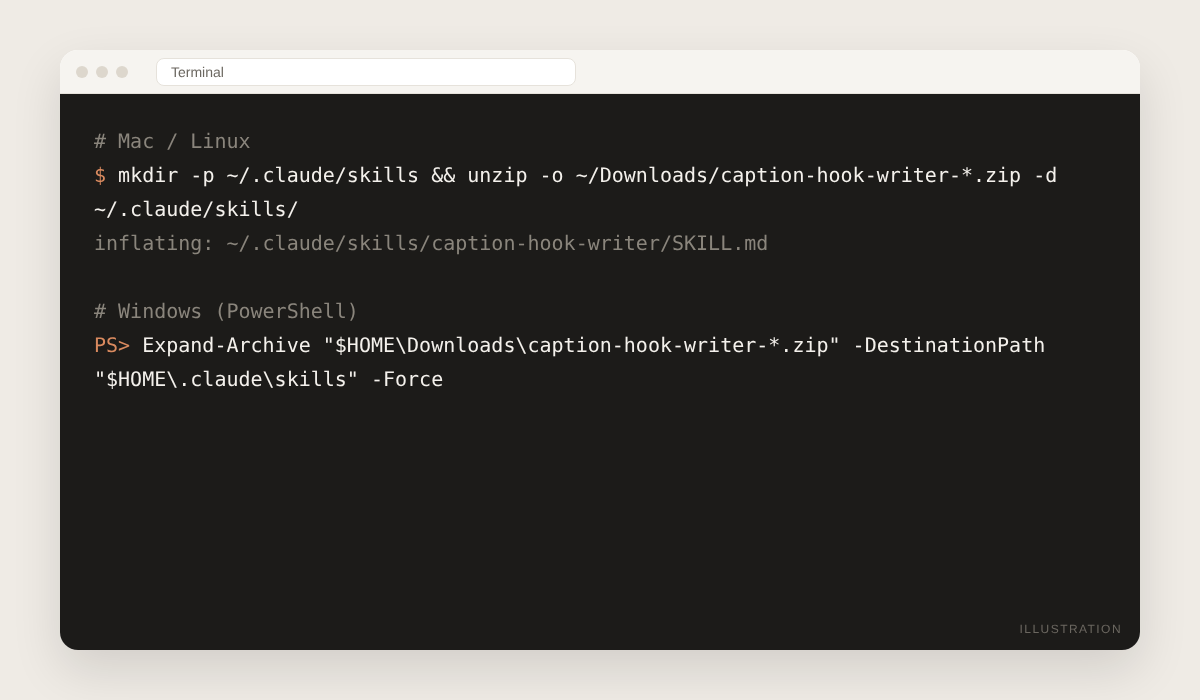
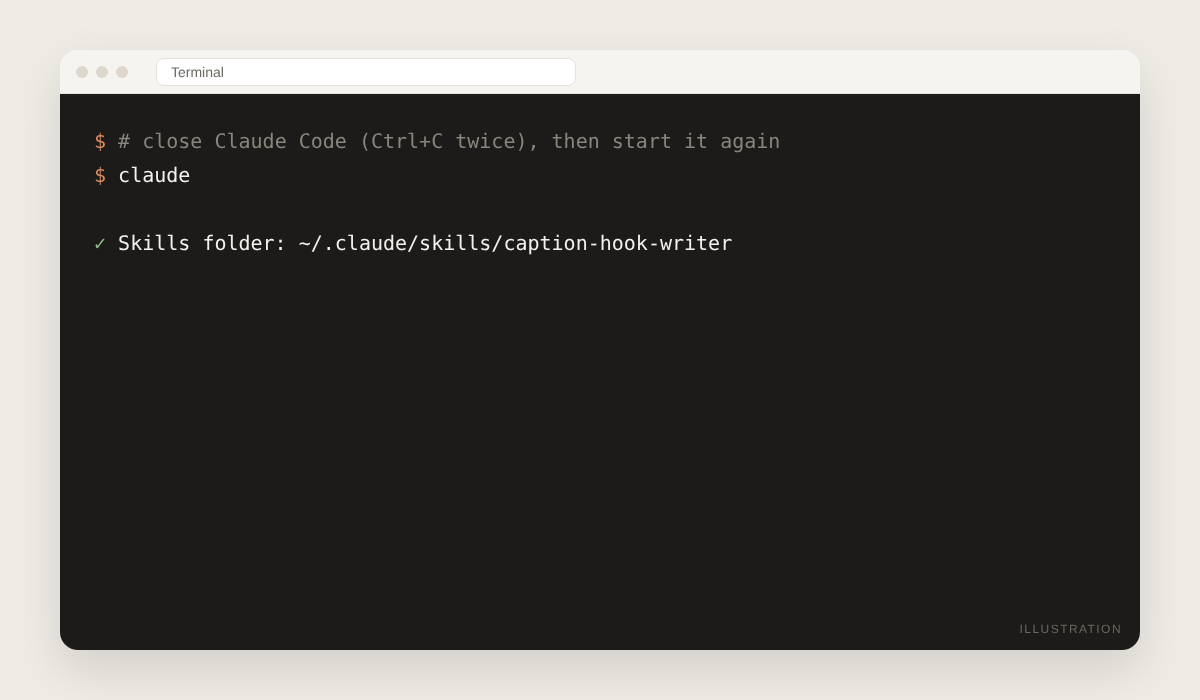
2. Restart Claude Code
Close Claude Code and open it again so it finds the new skill.
3. Use it
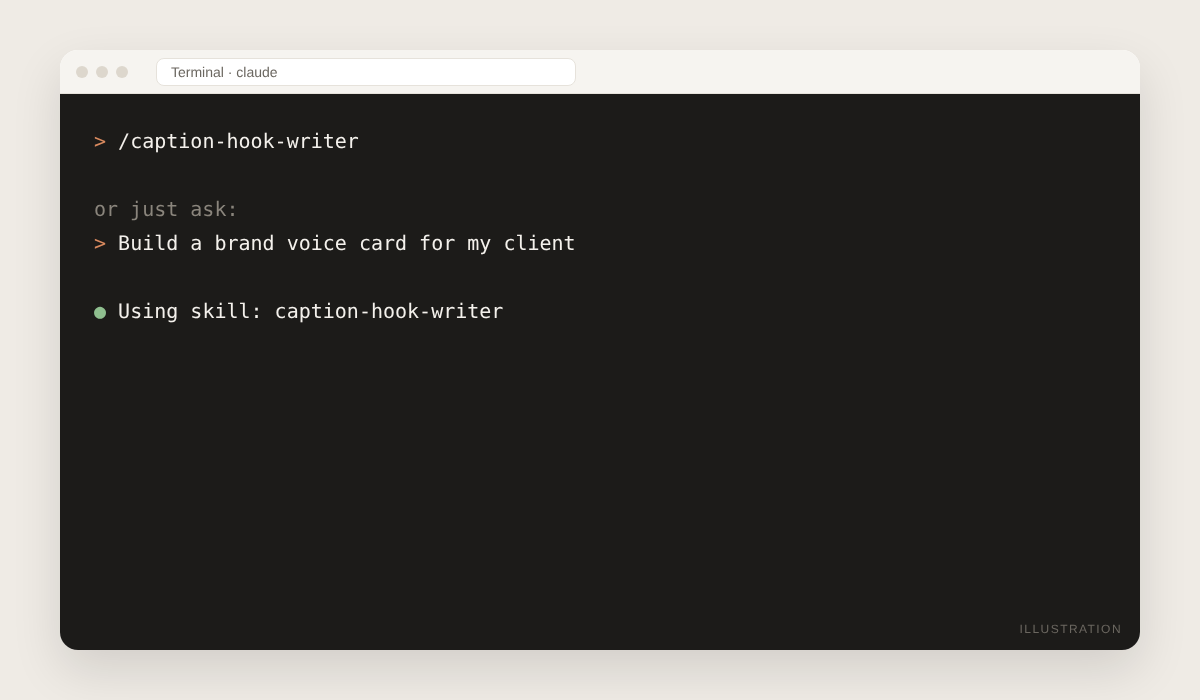
Type /caption-hook-writer to call it directly, or just ask: "Build a brand voice card for my client".
Pictures show where to click; menu names can change slightly as the apps update. Stuck? Reply to the email we sent you, or contact us.